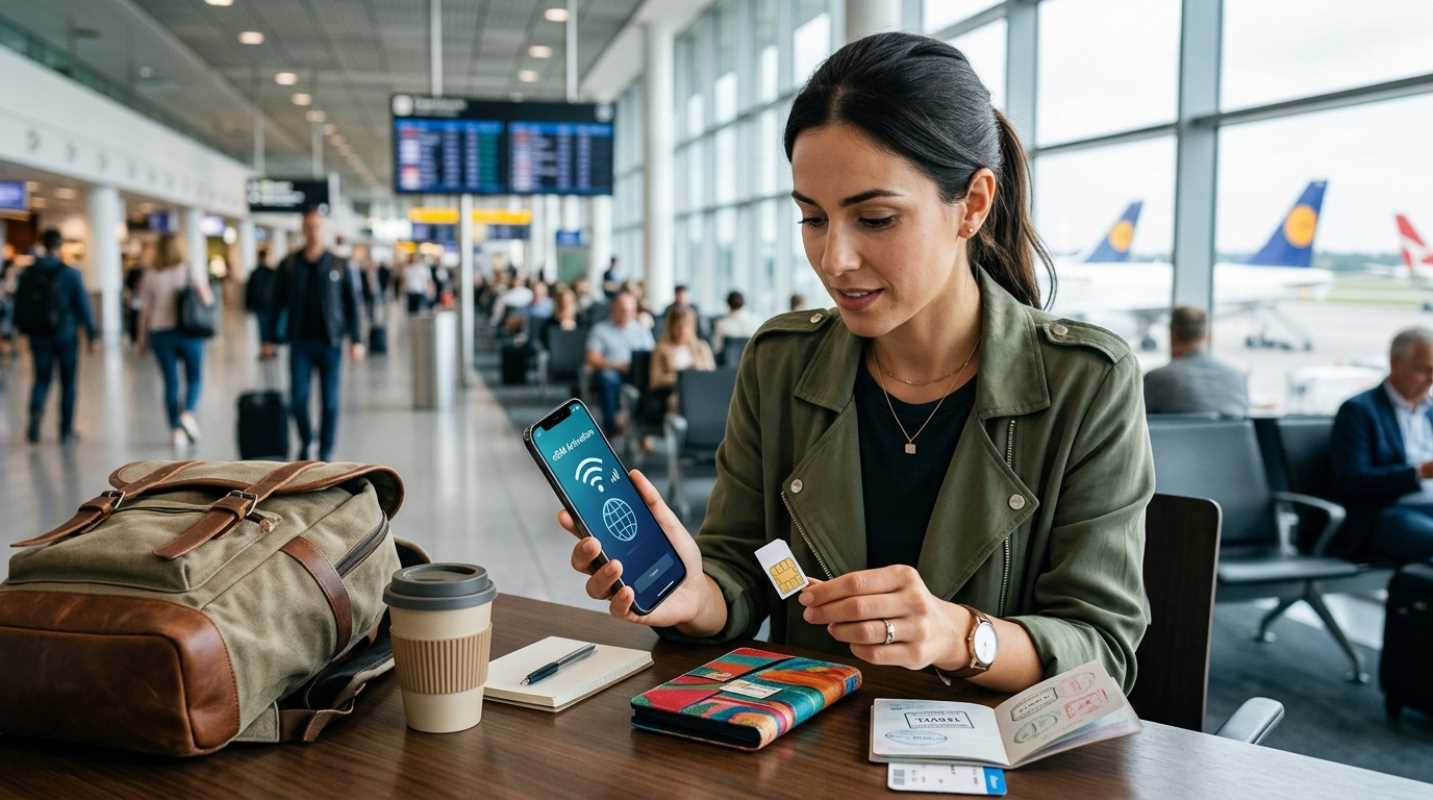
Have you ever landed in a new country, turned off airplane mode, and instantly received a text from your home carrier warning you about a $15-per-day roaming fee? Or worse, have you spent an hour wandering through a crowded airport trying to decipher local mobile network signs while carrying heavy bags?
Staying connected while traveling used to feel like a trap. You either paid astronomical daily roaming rates to your home phone company or wasted precious vacation time hunting down a physical SIM card vendor. Connectivity isn't a luxury anymore when you travel. You need it to call a rideshare, translate a menu, handle train stations, or confirm your hotel reservation.
Digital travel SIMs transformed this experience completely. Revenues for travel eSIM packages reached $1.8 billion recently as millions of travelers shifted away from high carrier fees.¹ Setting up international cellular data is now as easy as scanning a digital code on your couch before heading to the airport. Getting cheap international data requires knowing whether an eSIM or a traditional physical SIM fits your travel style.
Understanding Your Options - eSIM vs Physical SIM
An eSIM, or embedded SIM, is a digital SIM chip built directly into your smartphone board during manufacturing. Instead of inserting a tiny plastic card into a side slot on your phone, you download a digital profile from a cellular provider over Wi-Fi.
More than 60% of modern smartphones sold today come equipped with eSIM hardware. Major manufacturers started removing physical SIM trays altogether on newer models, making digital profiles the modern standard for international travel.
So when does a physical SIM card still make sense?
• Older devices: If you are using a smartphone manufactured before 2019, your hardware might not support digital SIM profiles.
• Local phone numbers: Physical SIM cards bought at a local carrier shop abroad often include a local phone number for standard phone calls and texts.
• Remote destinations: Some smaller island nations or rural territories still rely almost exclusively on physical plastic cards sold at local convenience stores.
For almost every other situation, digital SIMs offer far more convenience. You do not have to handle tiny plastic chips or worry about dropping your home network card under an airplane seat.
The Logistics of Setting Up Mobile Data Abroad
Setting up a digital travel profile is simple, but completing the initial steps before you take off makes the process seamless.
1. Verify your device status: Check your phone settings to confirm your device is unlocked by your home carrier. A phone locked under a carrier payment contract will reject third-party travel profiles.
2. Purchase and install before departure: Buy your desired data package while connected to your home Wi-Fi. You can scan the QR code provided by the operator or use the provider's mobile app to trigger auto-installation.
3. Configure dual-SIM settings: Label your primary home line as "Home" and your new line as "Travel Data." Set your home line to remain active for phone calls and texts, but turn off cellular data roaming on that specific home line.
4. Activate upon arrival: Switch your primary cellular data source to your travel profile as soon as your plane lands. Toggle data roaming on for your travel profile line to let it connect to local towers.
If you run into activation issues after landing, do not panic. Toggling airplane mode on and off usually clears temporary network glitches. If data still does not flow, open your mobile network settings and confirm that your Access Point Name (APN) matches the precise settings listed in your provider's instruction guide.
Choosing the right international data provider depends on your travel habits. Are you using your phone purely for navigation and messaging, or do you plan to stream videos and work from your laptop?
Keep these key factors in mind when comparing plans
• Data limits: Decide if you prefer a fixed gigabyte allowance or a daily unlimited plan.
• Hotspot permissions: Confirm whether the plan permits sharing your connection with a laptop or tablet.
• Coverage radius: Check if the package covers a single country, an entire region like Europe, or a global network.
Here is how the leading providers compare for international travelers
• Airalo: Ideal for general travelers who want simple fixed data buckets across 200+ countries. Their app makes tracking data usage and adding top-ups straightforward.
• Holafly: Designed for heavy data users who want unlimited daily data across 180+ destinations. Hotspot sharing is capped on most plans, but the daily unlimited model eliminates usage anxiety.
• Saily: Created by Nord Security, this service provides cheap fixed-data plans backed by built-in security features like ad blocking.
• Nomad: A top choice for travelers heading across Asia or Europe. They offer clear listings of local carrier networks and flexible day passes.
• Maya Mobile: Excellent for digital nomads and remote workers. Their plans allow full laptop hotspotting and tethering without restrictive device limits.
• Roamless: Features a pay-as-you-go wallet where your deposited cash balance never expires. You can move between countries without buying separate country plans.
• Jetpac: Combines low-cost data packages with flight disruption perks, such as free airport lounge passes if your flight is delayed.²
Watch out for fair usage throttling on unlimited plans. Many services reduce your speed drastically if you consume several gigabytes in a short window.
Pro Tips for Staying Connected Effortlessly
A little preparation goes a long way toward keeping your phone working smoothly across borders without generating unexpected charges.
Managing your data consumption starts inside your settings menu. Turn off background app refresh, disable automatic phone updates, and pause cloud photo uploads before you board your flight. Download offline maps for your target cities on Google Maps while you still have home Wi-Fi access. These small tweaks preserve your data bucket for when you actually need it on the road.
Keep your primary home SIM line active for incoming text messages. Many online banking platforms and service apps require two-factor authentication codes sent via SMS text to log in. By keeping your primary line active for voice and texts while assigning all data traffic to your travel eSIM, you receive needed security codes without incurring daily international internet fees from your home network.³
If your phone supports digital profiles, buying a travel eSIM before your next trip is the most efficient choice. You get connected the second your flight touches down, skip airport lines, and keep your travel budget focused on your actual trip.
Sources:
1. telcomagazine.com
https://telcomagazine.com/news/travel-esim-market-hits-us-1-8bn-in-2025-disrupting-roaming
2. trustedconnectivityalliance.org
https://trustedconnectivityalliance.org/trusted-connectivity-alliance-members-confirm-acceleration-of-global-esim-growth-in-2025/
3. techradar.com
https://www.techradar.com/pro/best-esims-for-international-travel